Difficulty
Moderate
Steps
2
Time Required

In Progress
This guide is currently being written. Reload periodically to see the latest changes.

Private
This guide will not appear in search results and can only be viewed by team members!
Quiz
0
-
-
Download the stable release from https://www.marginallyclever.com/product...
-
The pricing is optional. You can choose a price of $0. Your generosity helps us make it great.
-
The download link will appear on the checkout page...
-
...and in your order confirmation email.
-
-
-
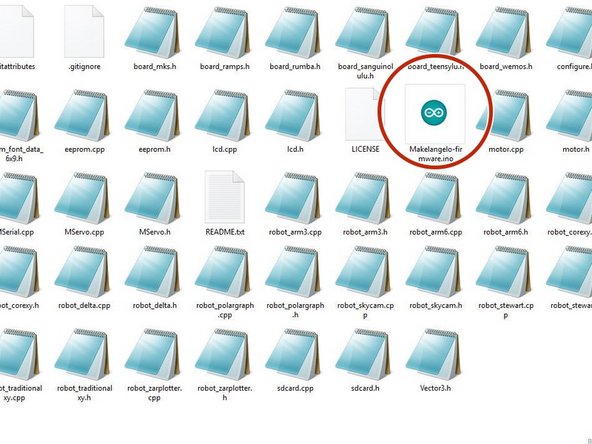
Extract the zip file downloaded from the link into a folder called Makelangelo-firmware
-
Go into the folder and open Makelangelo-firmware.ino with the Arduino app
-
The Arduino app is available from https://www.arduino.cc/en/Main/Software
-