Parts
No parts specified.
-
-
Locate the mounting plate
-
The servo
-
The one arm servo horn
-
The servo horn screw
-
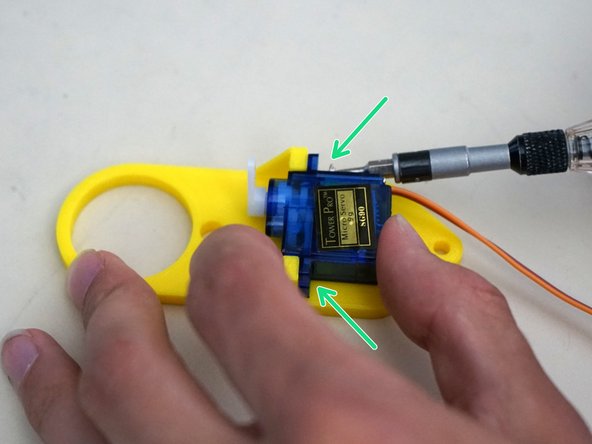
Two servo mounting screws
-
The servo parts should all be in the same bag as the servo, along with a few horns that we do not use.
-
-
-
Attach the servo to an Arduino and drive the output gear to 90 degrees.
-
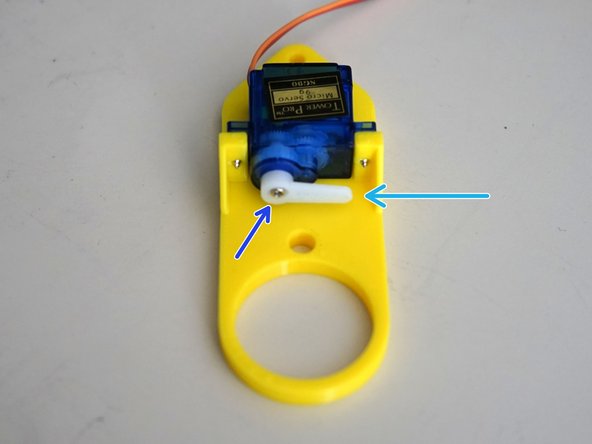
Press the one arm servo horn on to the output gear perpendicular to the servo body.
-
Use a Phillips (x) screwdriver to attach the servo horn onto the servo output gear with the two servo horn screws.
-
Using the Arduino, drive the servo to 50 degrees and check that it does not hit the mounting frame.
-
Disconnect the servo, then gently press the horn down towards the body for safe storage in shipping.
-
Note the horn screw, not seen in previous picture.
-
-
-
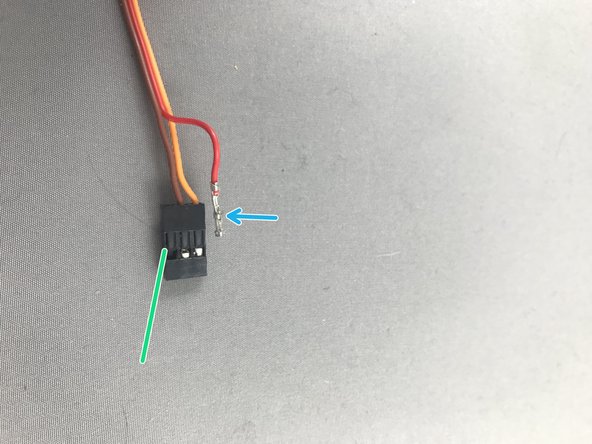
Servo cables must be in this order: Orange, Brown, Red. Always check the position of servo cables before running Makelangelo!
-
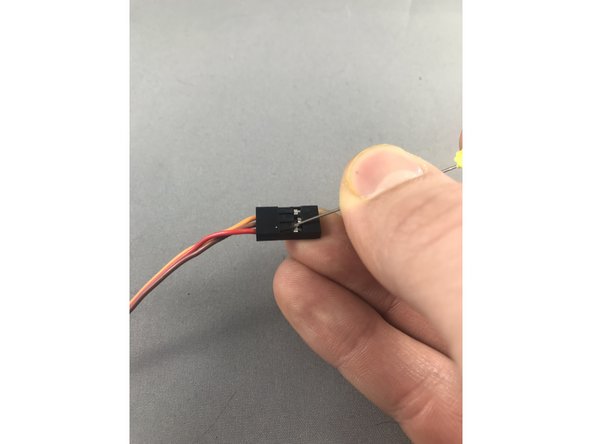
While gently pulling on the red wire, slide a sewing pin under the hook of the black JST header to carefully lift and release the crimp pin. When you get it right the crimp pin will slide out. Lifting too hard can break the hook so be gentle!
-
Note which side is up on the pin - there is a tong that catches on the hook.
-
Once both crimp pins are released, reinsert them with the new order. Be sure to keep the tong on the up side to catch on the hook.
-
-
-
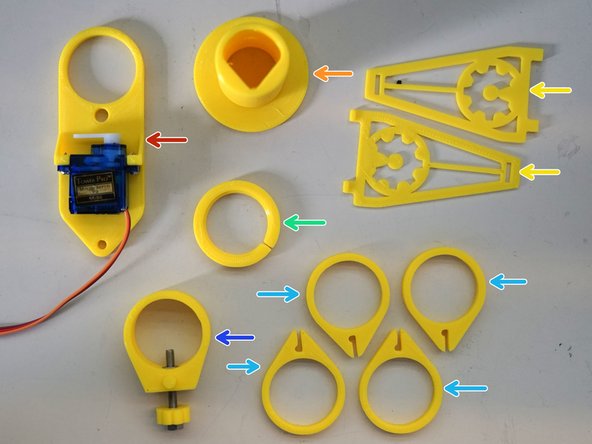
Gather the mounting plate with servo
-
The center tube
-
the two arms
-
the retainer ring
-
the four arm clips
-
the tensioner
-
-
-
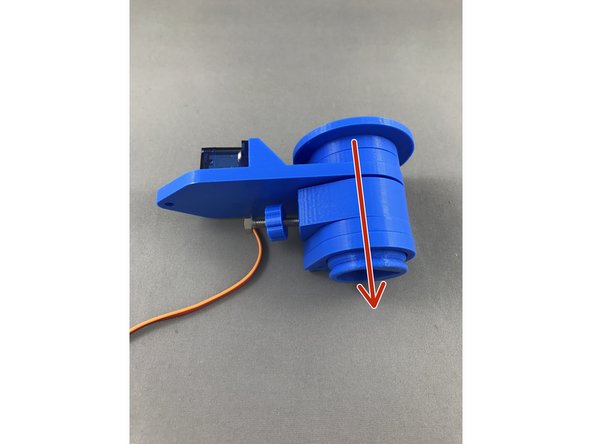
Slide all parts out, leave only 2 arm fittings on the bottom as shown in picture 2.
-
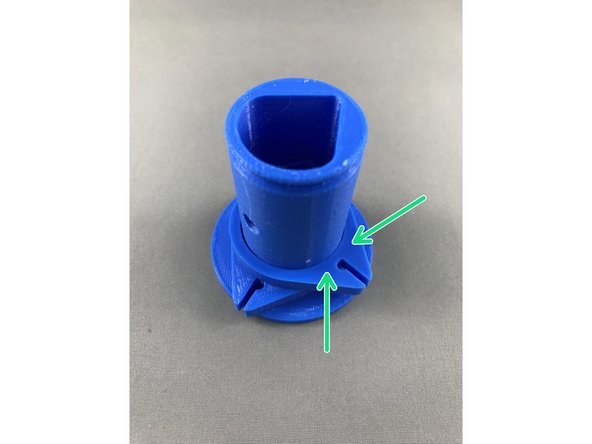
Notice there might be a few rough spots on the arm connecting rings, especially on interfering surfaces. It is highly recommended to sand down the surface if you have issues with smooth running! Surface is highlited on 2nd picture with green color!
-
-
-
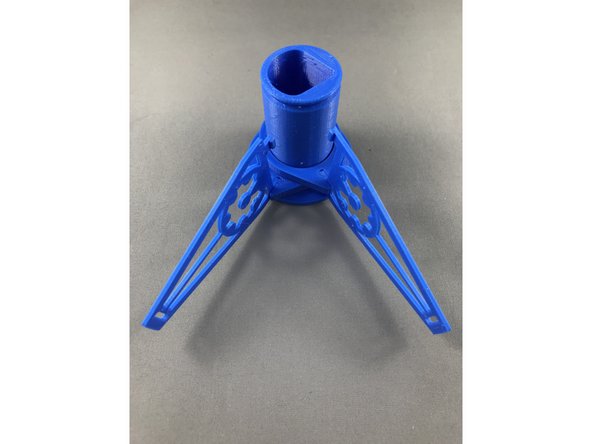
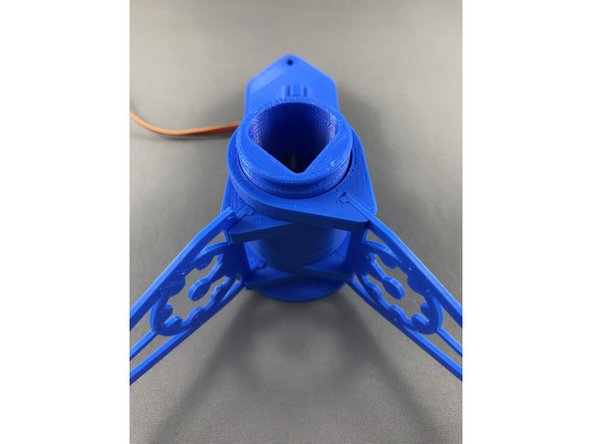
4. Insert arms (Black) as shown in step by step pictures, align them so they fit snug at the end of the pen holder.
-
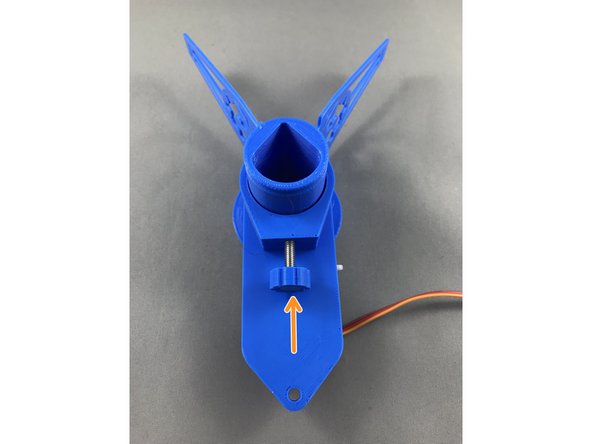
Slide servo piece together with pen securing screw onto the pen holder. Tighten up the screw afterwards.
-
Slide in other two arm fittings onto pen holder and connect with aligned arms.
-
Make sure the servo
-
-
-
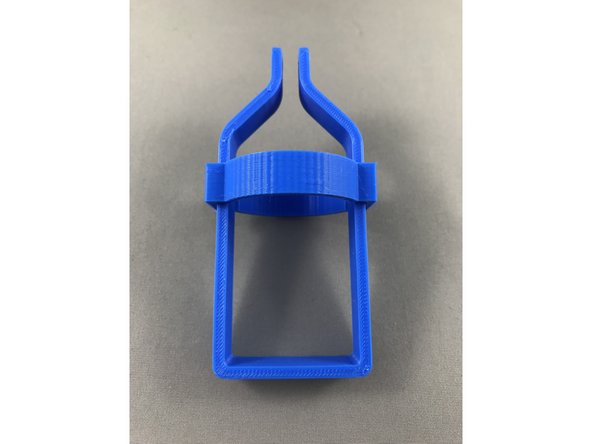
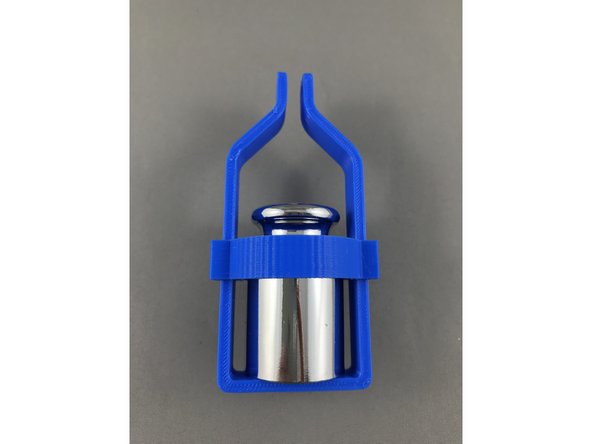
slide the weight securing clip (Green) onto the weight holder (Red)
-
Insert 200g weight provided in the box
-
-
-
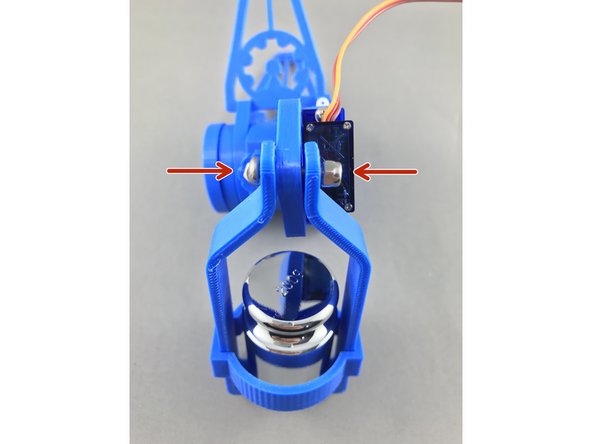
slide in the M3x15 connecting pen holder itself with the weight and secure with nylock M3 nut (Yellow)
-
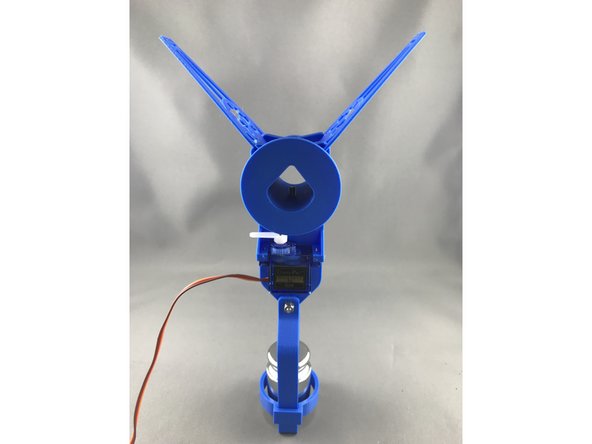
Pen holder assembled!
-